Dynamic List Builder
Users create blocks of logic that dynamically pull in accounts from various data sources. This is a huge, on-going project and if we release on-time, it will have taken almost a year to complete, this case study covers the design process at a high level.
Problem
How might we improve segmentation abilities in RollWorks that allow users to organize and segment accounts into effective audiences?
My role
I was the product design owner on this project conducting everything from research to prototypes. I even did a shorten Google Ventures Design Sprint that we used to do on the Google Food Ordering team.
Key business results
Personal growth
What didn’t go well
The Milestones
Milestone 1
The first thing we wanted to do to improve the ability to create lists was remove the need for marketers to switch contexts from RollWorks to Salesforce. Additionally, we included all the research needed for the future work in this milestone.
In collaboration with my PM counterpart and sometimes larger groups of PMs and designers, we conducted two research phases:
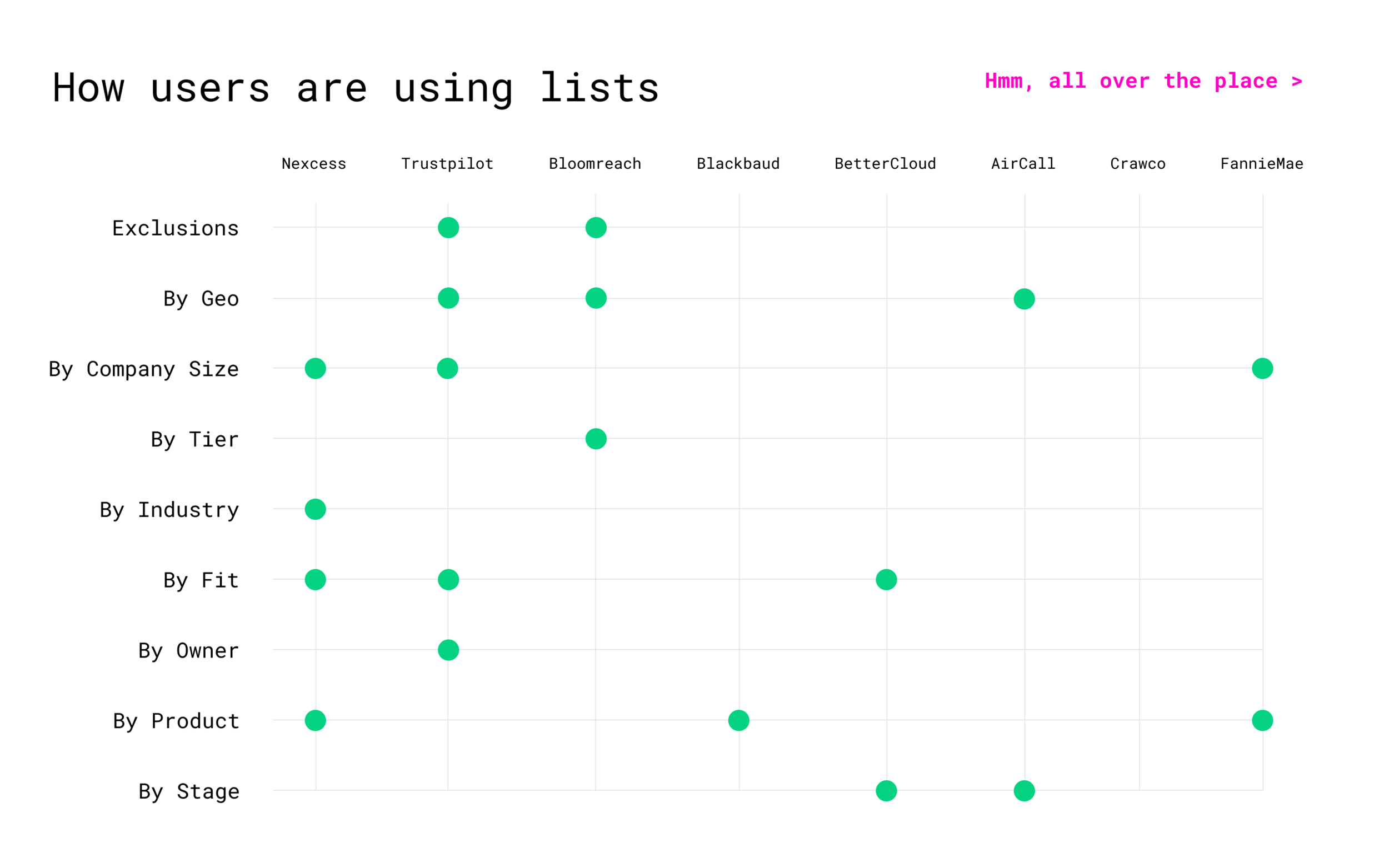
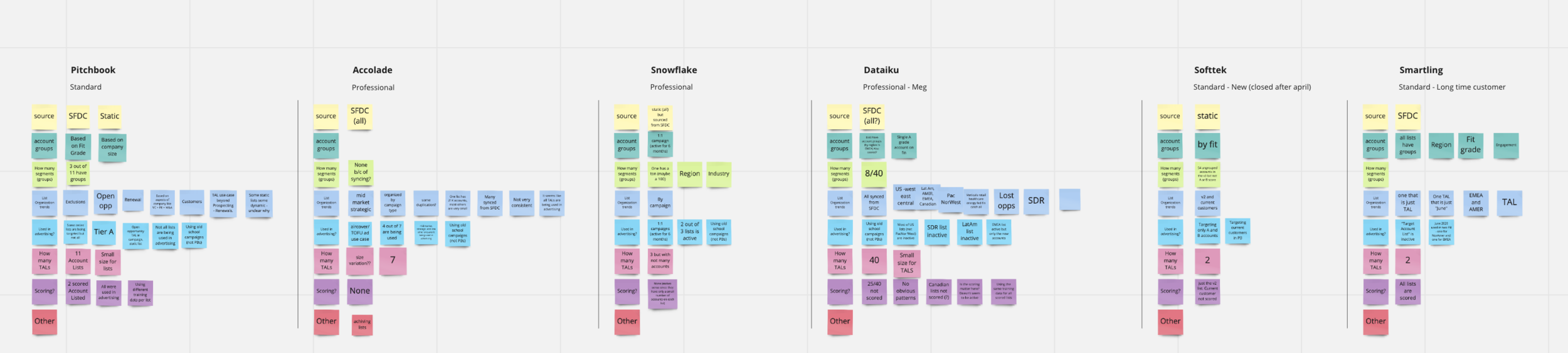
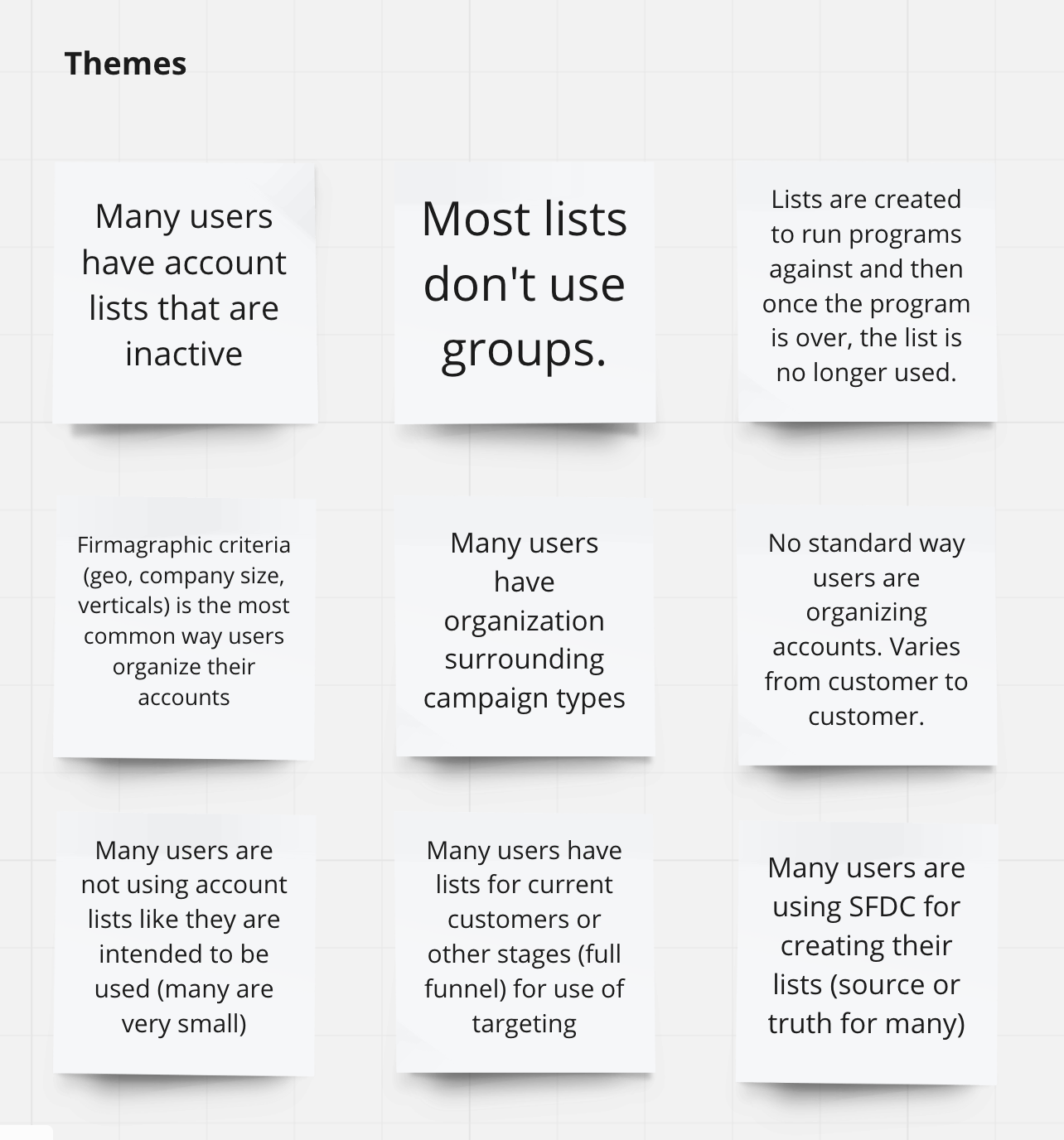
Understanding how and why customers use lists and groups.
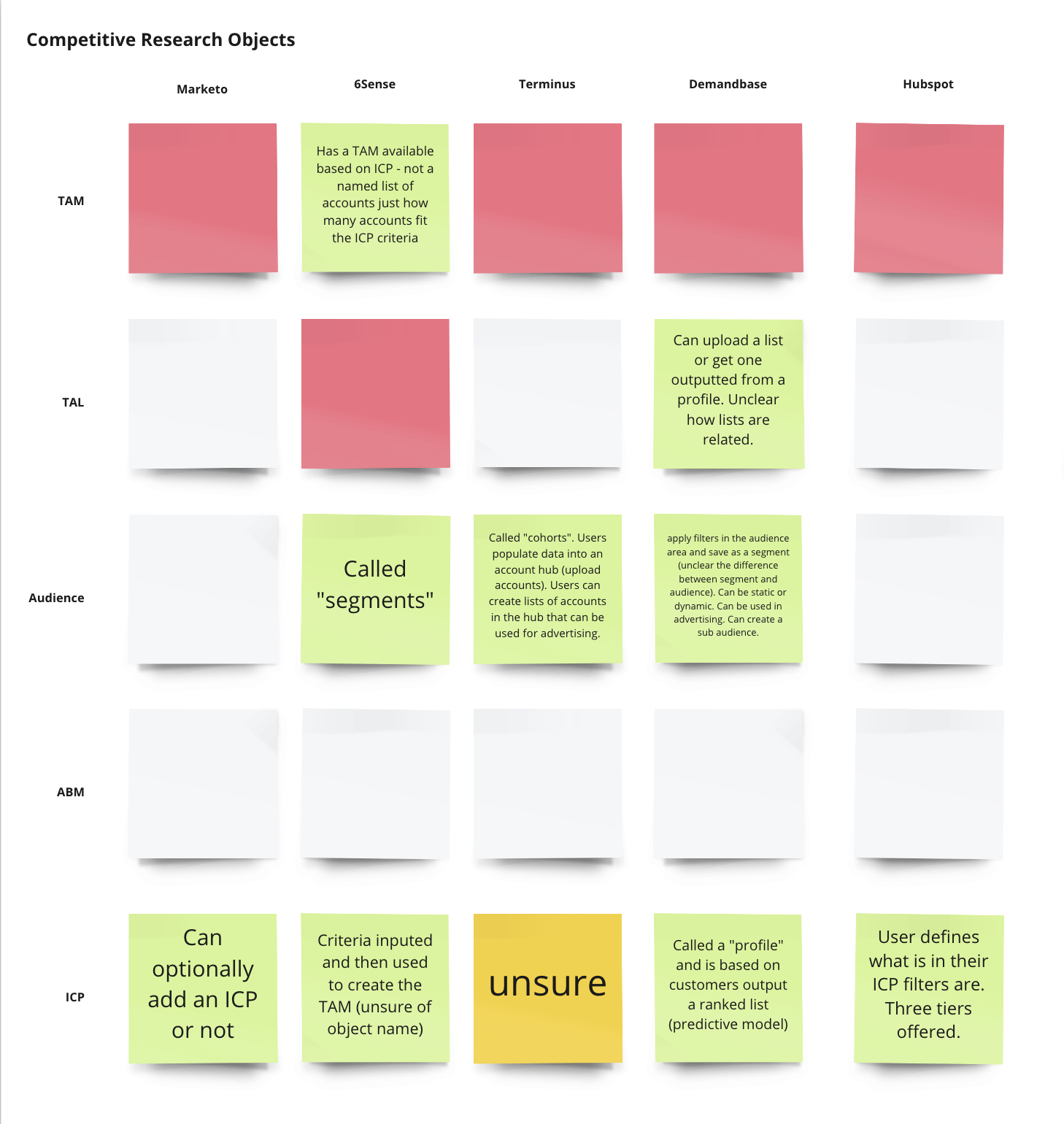
Understanding how competitors use lists and groups.
Customer research
During this phase of research, my PM counterpart and I conducted over 20 interviews and examined actual list structures for trends in how customers created and used lists.
Competitive analysis
After understanding our customers, we looked at how competitors were structuring their products. This was tough because we didn’t have access to many of these products. We did our best by looking at help centers, webinars, and marketing materials.
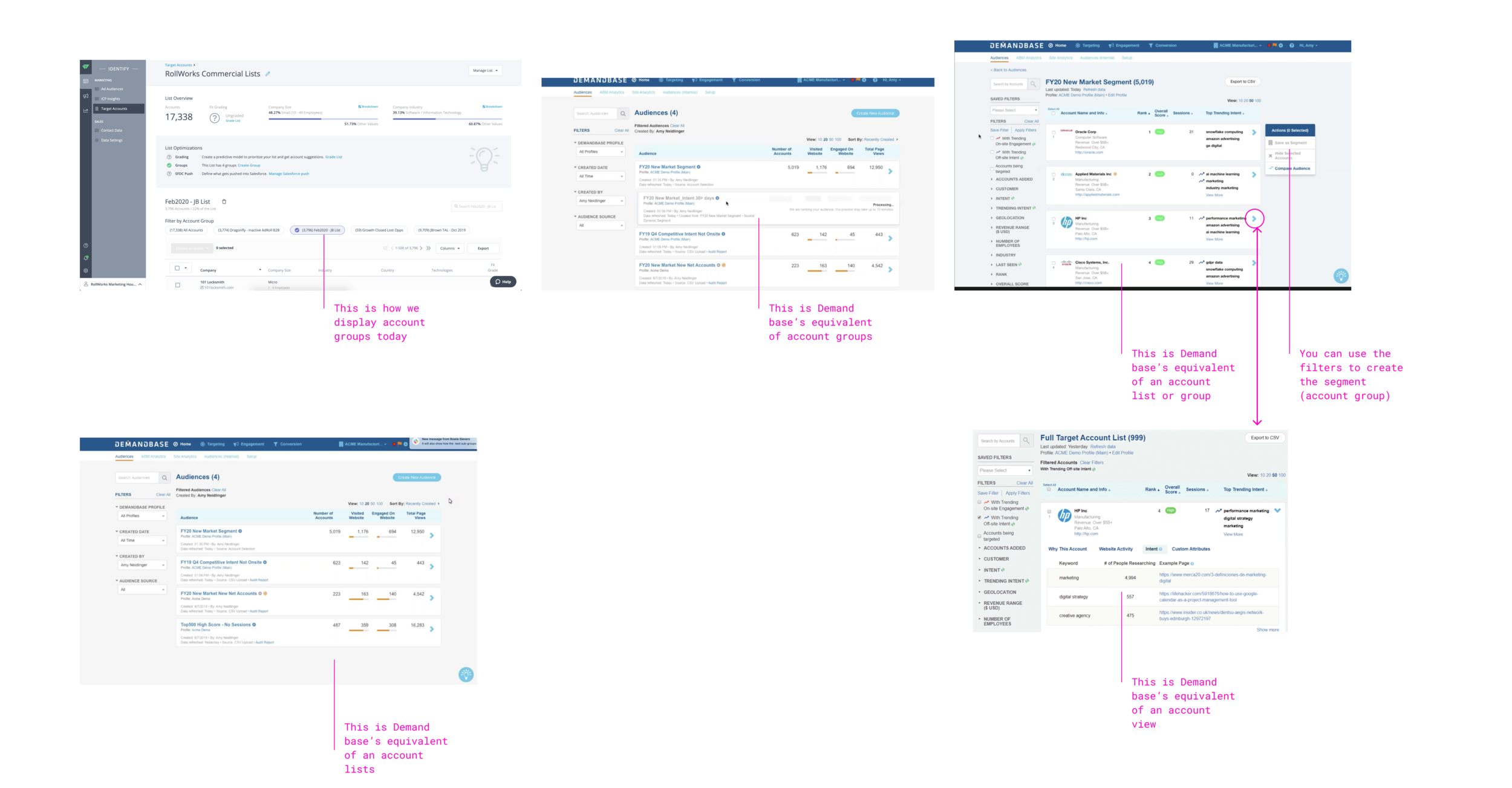
Landed on structure
After conducting this research, we landed on a basic structure and I came up with some architecture options.
User Flows
After getting a sense of the structure (which would basically be what we already had) we worked out a list creation flow.
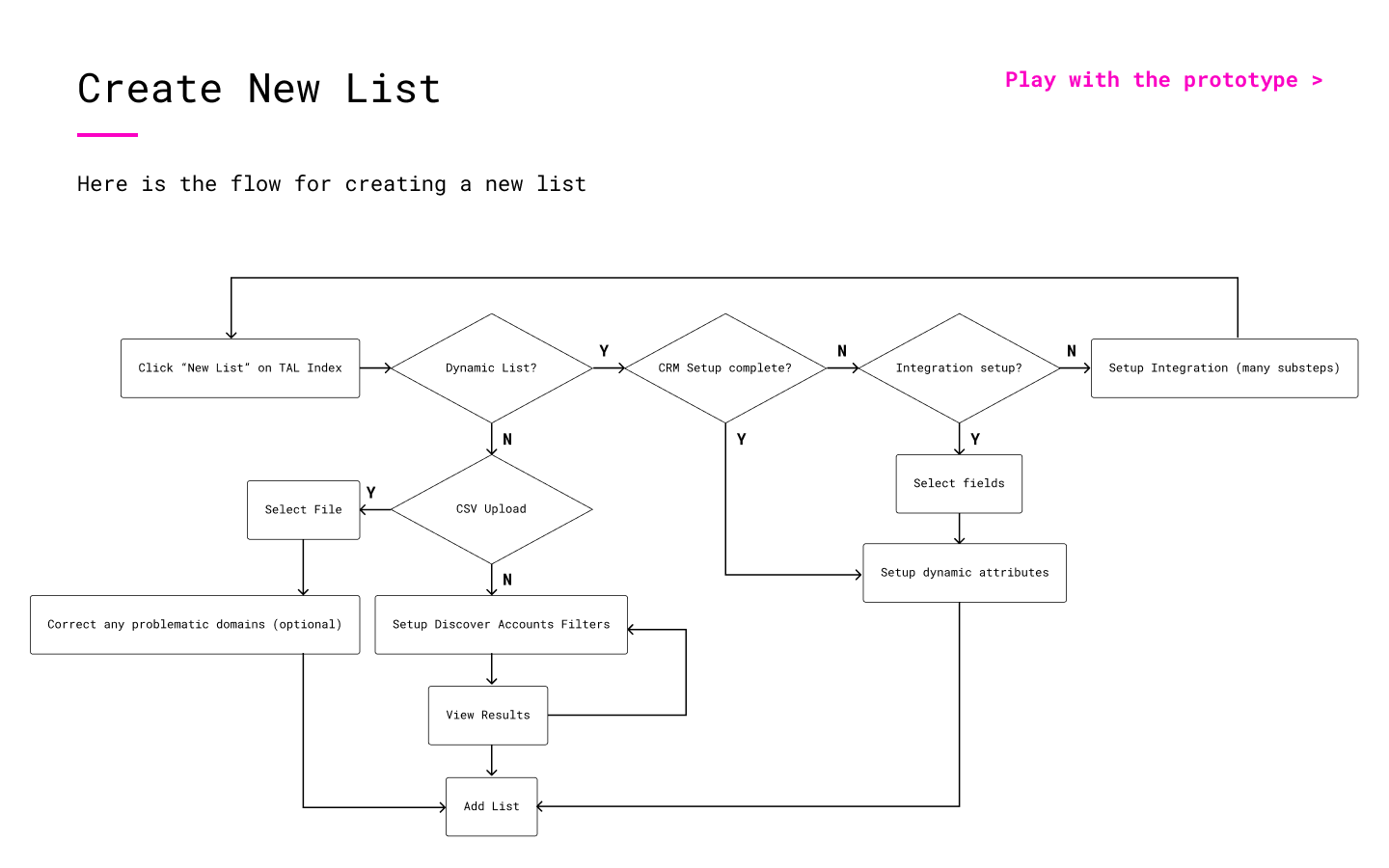
Many prototype iterations ensued
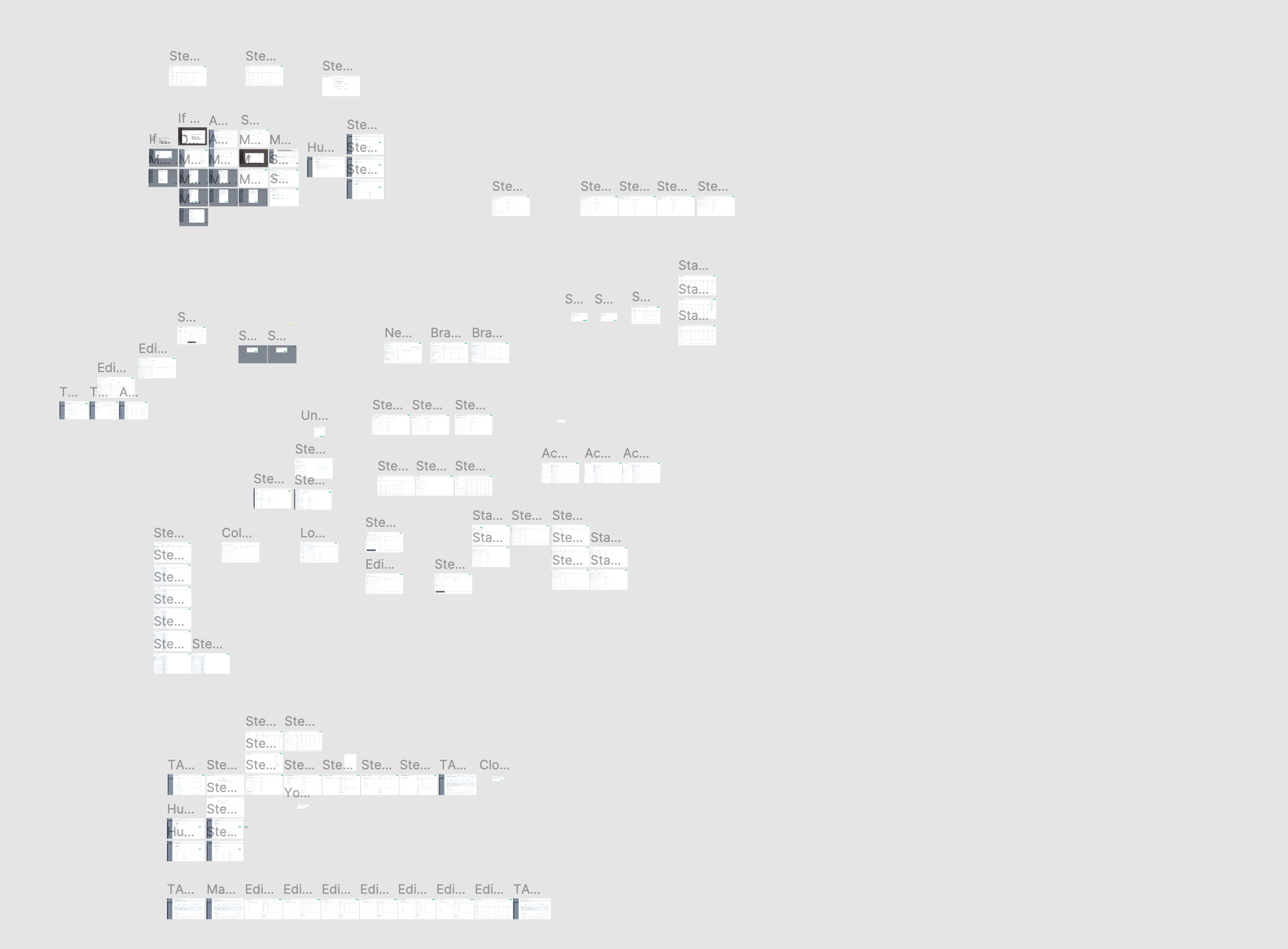
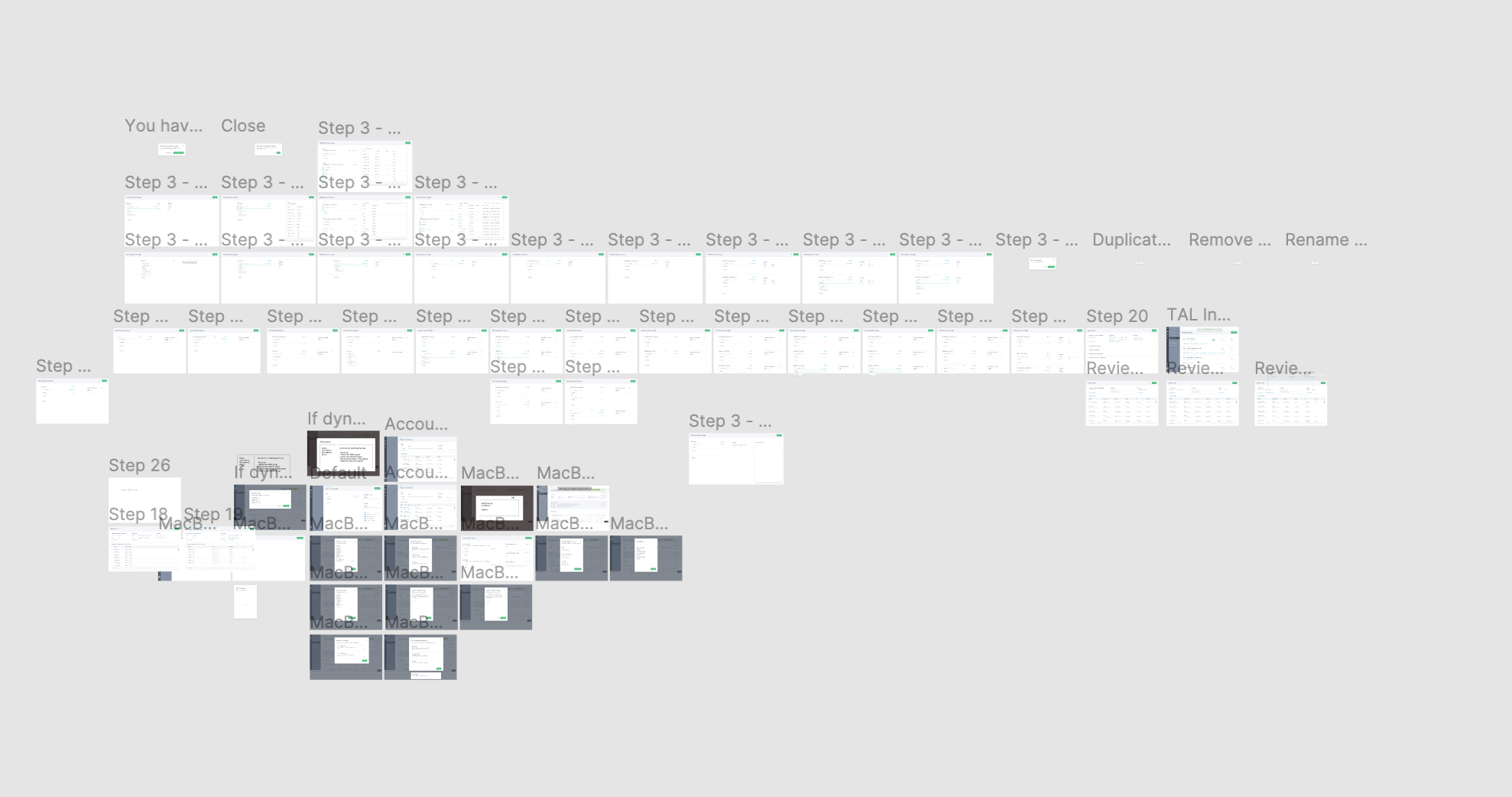
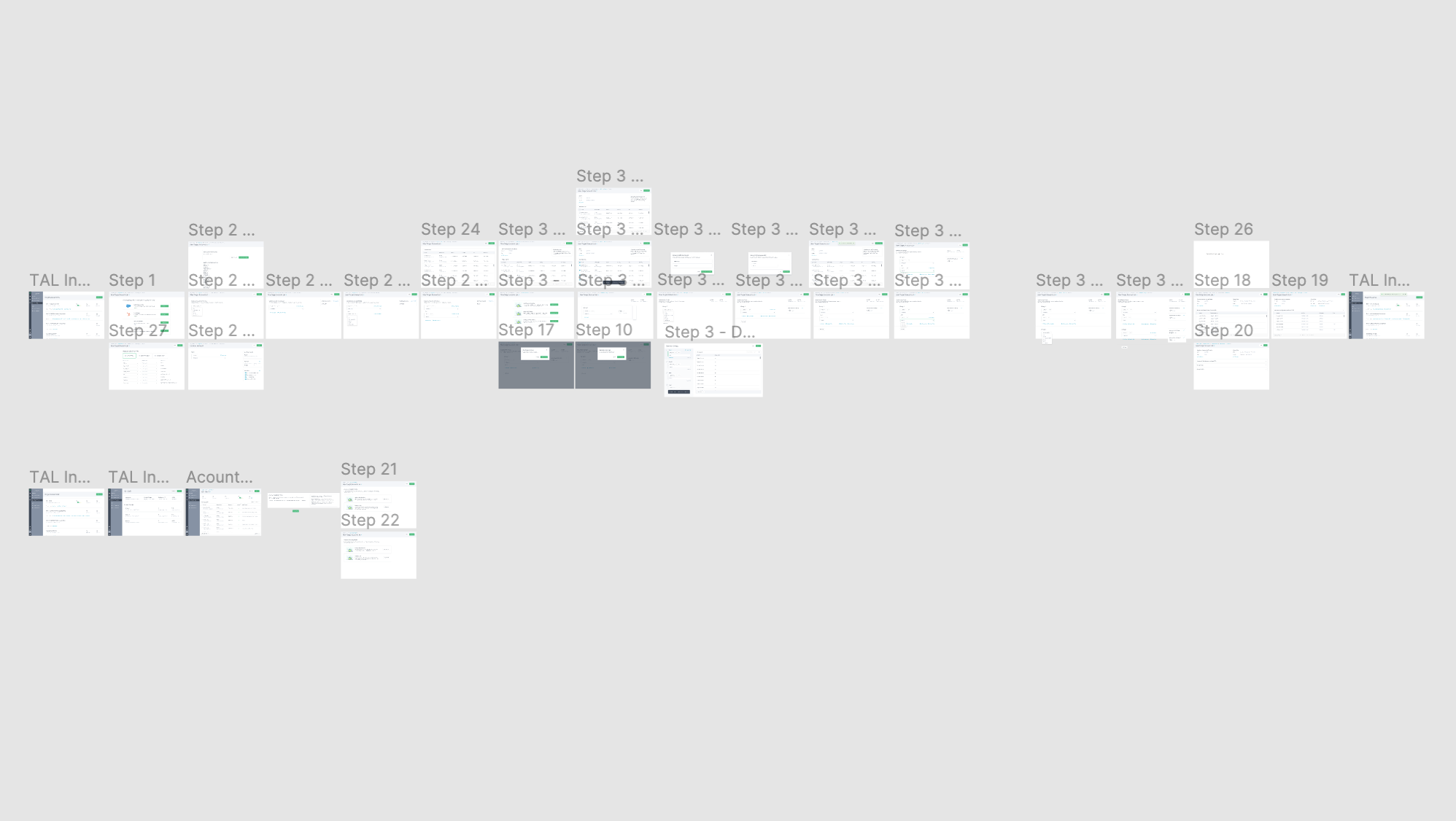
❌We found during our research that users needed to preview their list while building the logic so this design didn’t work.
❌ Here we added the preview to the right but the UI lacked structure and the preview area didn’t allow for very many columns to be viewed at once.
Finally, we landed
Milestone 2
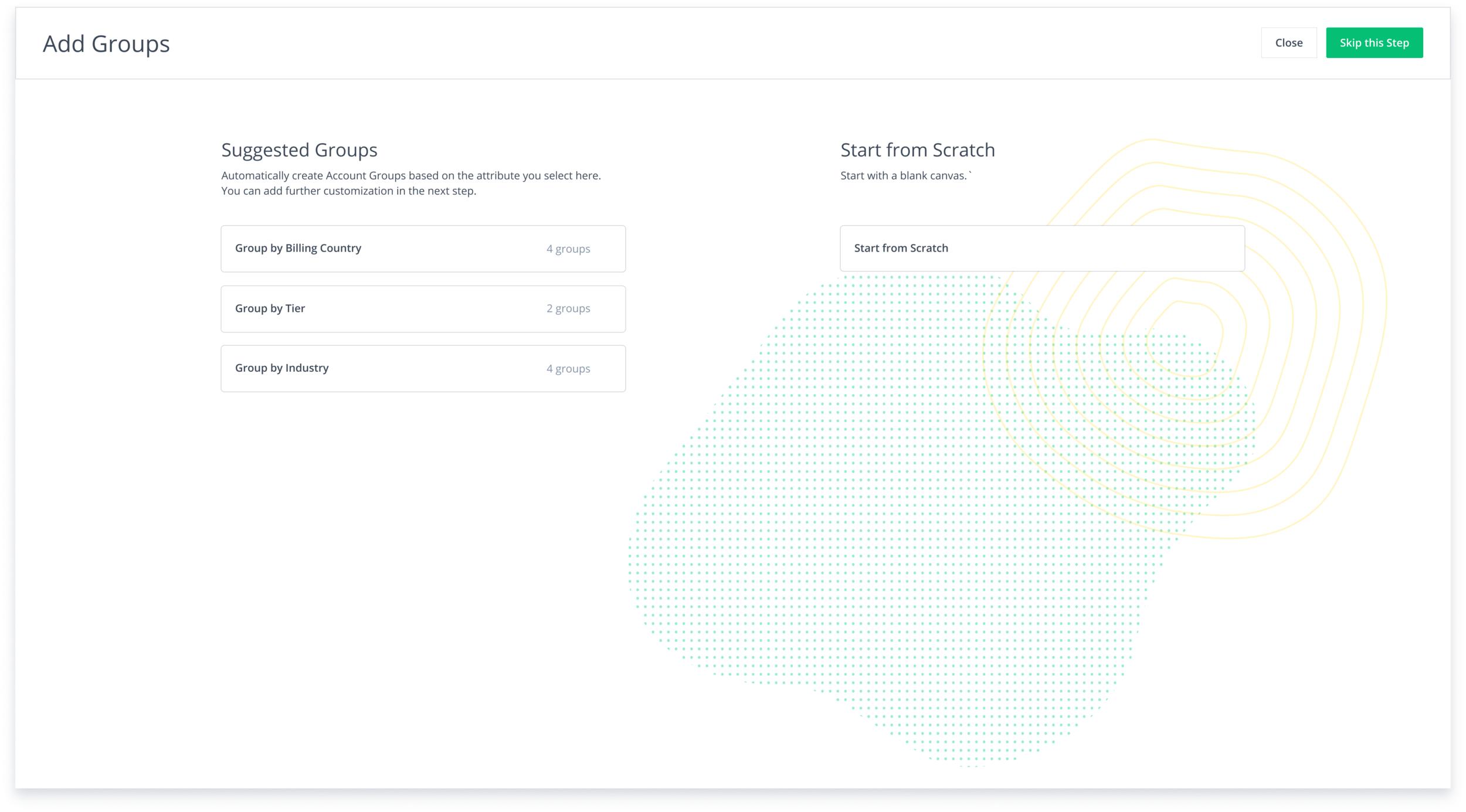
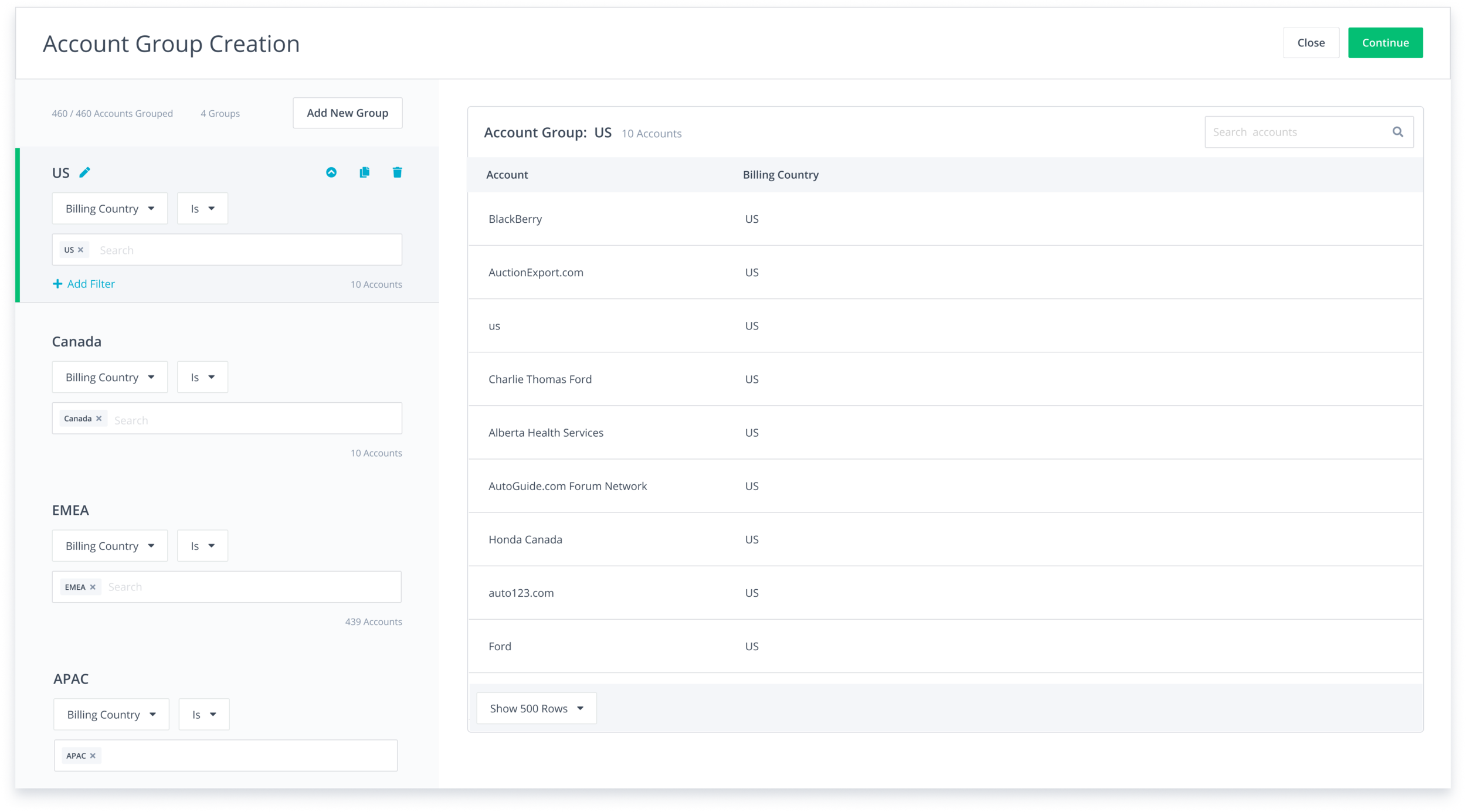
For Milestone 2, we focused on dynamic groups. That meant that the structure of the builder needed to allow for another level of nesting as well as new controls for adding, removing, and displaying groups.

Milestone 3
For the final milestone, we restructured the builder to allow for multiple data source selection. I also wanted to make the component more compact and easy to read at a glance.
First version of M1
Second version of M1
User research
In addition to the research I mentioned earlier, we asked users to create lists and groups to make sure nothing was confusing and users were able to create the lists and groups that they need for segmentation.
I wrote three research scripts, recruited participants, and conducted the studies.
Primary finding - nav confusion
Finding the feature was the biggest UX bug identified during the usability study. Six out of ten participants couldn’t find where to create a new account list.
To demonstrate this problem and get resources to work on the navigation, I put together this little compilation of users going to ad audiences rather than target accounts.
Secondary finding - deadend flow
The initial scope ended after the user saved the list. We found that nine out of ten participants wanted to add a newly created list to an advertising campaign so we added a modal where users could take action right after creating their list.
Conclusion
So far, I have had a great time working on this builder. I am really proud that I was able to create a pattern that could even be used by the B2C business unit, AdRoll. Additionally, this builder is used in three other places in the product where users need to create lists.
🥳
More recent work
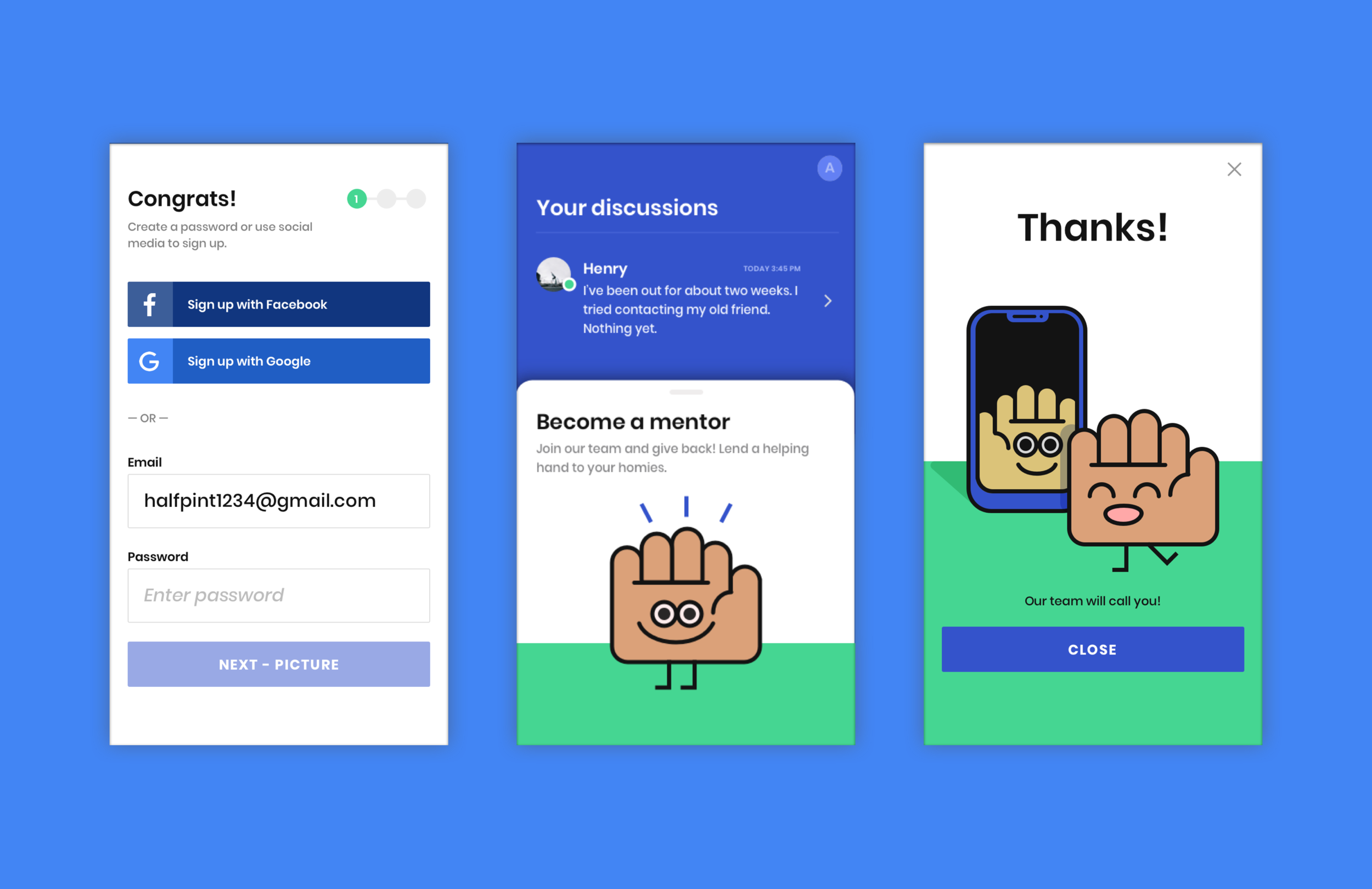
Mentor Connect
Google Design Interview Challenge • 2019
I interviewed with Google at the end of 2019. It was going well I just took another offer with NextRoll. Anyway, I am super proud of this little product I made, enjoy!

Google Food Ordering
Interaction Designer • 2018 - 2019
Worked on the Search and Assistant team creating experiences for the food ordering vertical. Most proud of the work I did on adding images to menus.